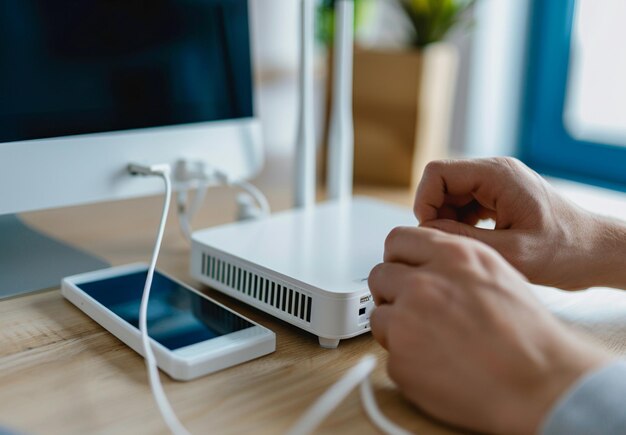
How to Reset Your Xfinity Router: Step-by-Step Instructions
A router reset can solve many connectivity issues—but it's important to understand what happens when you do it and when it's the right move. Whether you're dealing with slow speeds, dropped connections, or a router that won't respond, here's what you need to know. 🔧
What Happens When You Reset Your Router
A reset restores your router to factory default settings. This means all customizations—including your WiFi name, password, port forwarding rules, and any other configurations—are erased and returned to Xfinity's defaults.
This is different from a restart (powering off and back on), which simply reboots the device without erasing settings. Many common issues resolve with a restart alone, so that's often worth trying first before you reset.
Soft Reset vs. Hard Reset
| Type | Method | What It Does | When to Use |
|---|---|---|---|
| Soft Reset | Unplug power for 30 seconds; plug back in | Clears temporary memory without erasing settings | First troubleshooting step for freezing or connectivity lag |
| Hard Reset | Hold reset button for 10–15 seconds | Erases all settings and returns to factory defaults | Last resort; after soft reset fails or you've forgotten admin password |
Steps for a Soft Reset (No Settings Lost)
- Locate the power cable at the back of your router.
- Unplug it completely and wait at least 30 seconds (longer is fine).
- Plug the power cable back in and wait 2–3 minutes for the router to fully boot.
- Check your lights. The status light should stabilize, typically showing a solid or blinking pattern indicating connection.
During this time, your internet will be offline. Plan accordingly if you're in the middle of important work or a video call.
Steps for a Hard Reset (Settings Will Be Erased)
- Locate the reset button on your router—typically a small, recessed button on the back or bottom.
- Use a paperclip or pin to hold down the reset button.
- Hold it for 10–15 seconds while the router is powered on. You may see lights blink or turn off.
- Release the button and wait 2–3 minutes for the router to fully restart.
- Reconfigure your WiFi. After the reset, your network name and password revert to defaults (usually printed on the router itself). You'll need to log in and set them up again through the Xfinity app or web portal.
When You Might Need to Reset
- Forgotten admin password – A hard reset is the only way to regain access
- Persistent network lag or drops – After a soft reset doesn't help
- Router unresponsive to login attempts – Suggests corrupted settings
- Preparing to sell or return the device – Always reset before giving equipment away
When a reset is overkill: If you're just experiencing a single dropped connection or slow speeds, try restarting first. Many issues are temporary and don't require erasing your setup.
What You'll Need to Do After a Hard Reset
After a hard reset, your router will require new configuration:
- Reconnect to your network using the default SSID and password (on the router label)
- Access the admin panel via the Xfinity app or by visiting the router's IP address in a browser
- Set up a new WiFi network name and password
- Reconfigure any advanced settings (if you had custom port forwarding, parental controls, etc.)
Your internet connection itself should restore automatically once the router restarts—you don't need to contact Xfinity unless connection doesn't return after 5–10 minutes.
Key Variables That Affect Your Experience
Your specific situation determines how disruptive a reset will be. If you live alone and have few connected devices, reconfiguration is quick. If you manage a household with dozens of connected devices and custom networking rules, a hard reset creates more work. The underlying problem also matters—some issues (like a forgotten password) absolutely require a reset, while others may resolve with a simple restart.
Understanding the difference between soft and hard resets, and what triggers each, helps you choose the right approach for your situation without unnecessary downtime. 📡